Labels
Labels are used for reviewing points.
I added them to help me steelman ideas, but they can be used for anything.
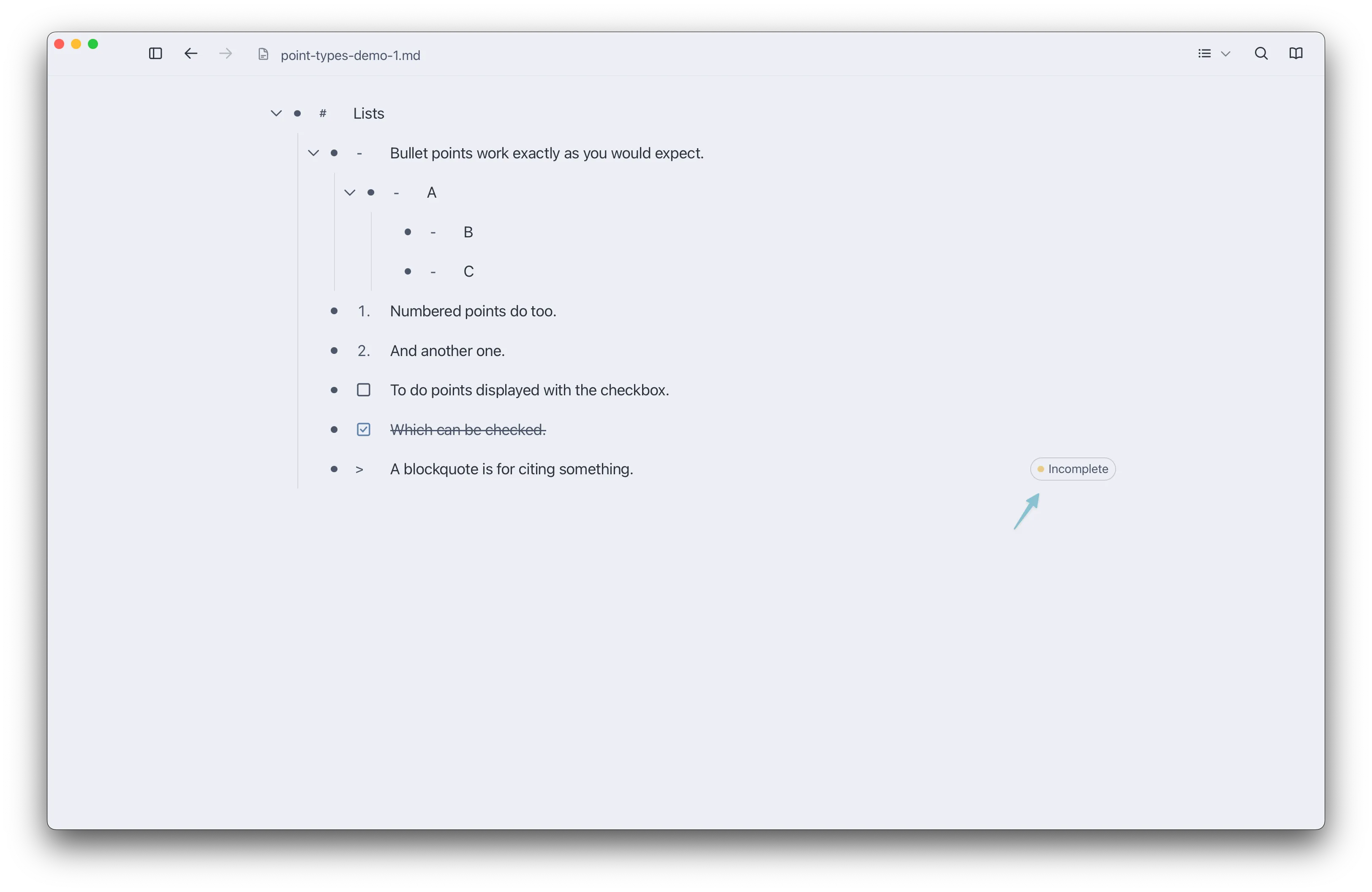
Adding Labels to a Point
Section titled “Adding Labels to a Point”You can add a label via the right click menu.

Or, if a point is selected, you can add a label via the Cmd+K menu.

Changing Labels
Section titled “Changing Labels”In Settings, you can go to the Labels tab to create and manage labels.

You can
- Create a new label group
- Create a new label
- Change label names
- Change label colors
- Make a label group exclusive, meaning only one label in that group can be added to a point at a time
- Move labels between groups (drag them)
Your changes will be reflected in the floating menu that appears in Reading Mode.
